

DelayCam delays your camera feed by seconds or minutes so you can watch yourself after every move. Set a custom delay, perform your action, and see instant replay on your phone or any screen. Free on iOS, Android, and in your browser.
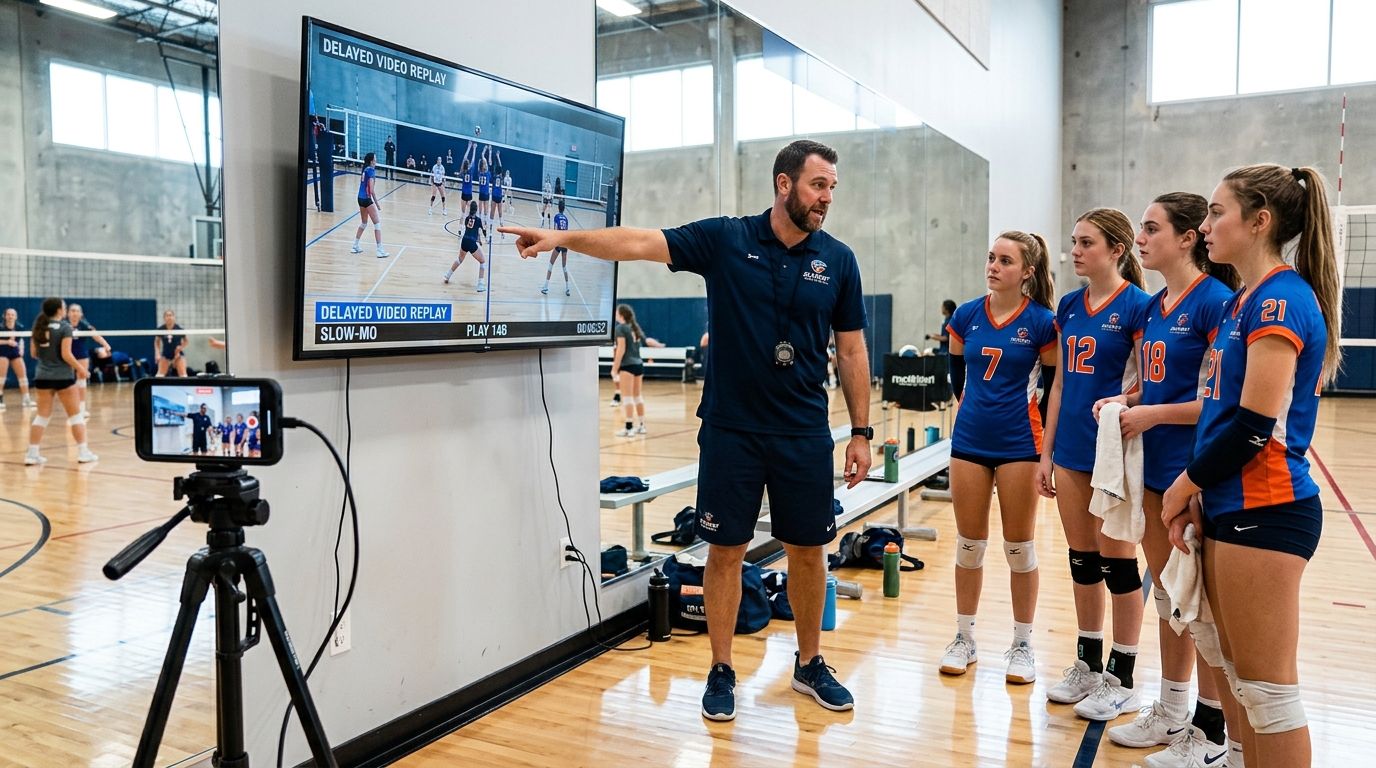
A video delay app records your camera feed and plays it back on a time delay. Instead of a live mirror, you see what happened seconds or minutes ago. This turns your phone into an instant replay system — perform an action, then watch yourself do it. Athletes use it to check their form. Dancers use it to review choreography. Coaches use it to give visual feedback. Anyone who wants to see their own movement can use a video delay app to improve faster.
Set your delay from 1 to 25 seconds. A short delay gives you a quick glance after each move. A longer delay lets you complete a full routine before the replay starts. You control the timing.
DelayCam runs continuously — no start/stop recording. The delayed feed plays automatically, so you always see what happened moments ago. Just perform and watch, perform and watch.
Stream your delayed camera feed to a TV, laptop, tablet, or projector. Open delaycam.com/stream on any device and enter your code — no extra apps needed on the viewing screen.
DelayCam gives you two ways to use video delay. The mobile app (iOS and Android) gives you the full experience with adjustable delay, multiple camera views, and streaming to other devices. The browser version works on any device with a webcam and a modern browser — no download needed. Both are free.
Full feature set: adjustable delay up to 25 seconds, multiple camera angles, stream to any screen, works offline. Available free on iOS and Android.
Quick access video delay using your device camera in any browser. No download, no account. Open delaycam.com/watchonline and start delaying instantly.
A video delay app records your camera feed and plays it back with a time delay — from a few seconds to several minutes. Instead of watching a live feed, you see what happened moments ago. This lets you perform an action and then watch yourself do it, which is useful for sports training, dance practice, fitness form checking, and any activity where you need to see your own movement.
Yes, DelayCam is free to download and use on both iOS and Android. The core video delay feature works without any purchase. A premium upgrade is available for additional features like multiple camera views and streaming to other screens.
Yes. DelayCam's core delay feature works completely offline — no Wi-Fi or mobile data needed. You only need an internet connection if you want to stream the delayed feed to another device.
DelayCam lets you set a delay from 1 second up to 25 seconds using the delay picker. This covers most use cases — from a quick 3-second golf swing check to a longer 15-second dance routine review.
Yes. DelayCam offers a free browser-based delay camera that uses your device's webcam. It works on any device with a camera and a modern browser — no app download required.
Download DelayCam and start watching yourself with instant replay today. Free on iOS and Android — or try it in your browser right now.