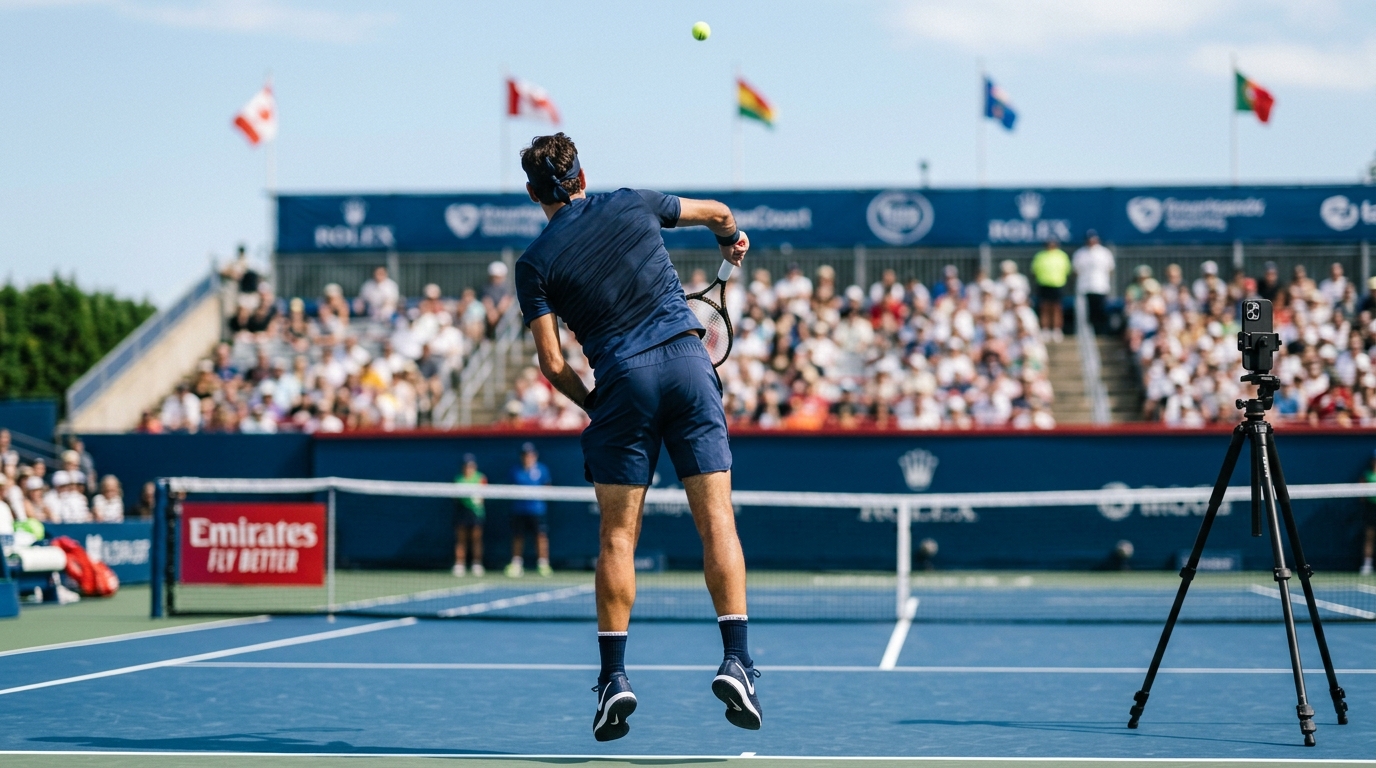
Tennis happens in split seconds. Your serve toss, racket drop, and contact point all occur faster than you can consciously track. You feel something is off — maybe the toss drifts left, maybe your wrist snaps too early — but you cannot pause a rally to check. Reviewing footage after the session loses the connection to what you felt. DelayCam plays back every shot seconds after you hit it — while you're still in position and ready to adjust.
Set a 4-second delay and see your full service motion played back between serves. Check your toss consistency, racket path, pronation, and follow-through while you're still at the baseline.
Forehand, backhand, volley, or overhead — every stroke gets the same instant replay treatment. Identify issues with grip, swing path, and contact point on every single shot.
Running a clinic or group lesson? Stream the delayed feed to a courtside monitor so every player can see their own strokes on the big screen between drills.
Place your phone behind the baseline on a fence mount or tripod. Set a 4-second delay in DelayCam. After each serve, the replay plays automatically — you can see your toss, racket path, contact point, and follow-through while you're still at the baseline ready to adjust.
4 seconds works well for serve practice — enough time to hit and look up. For rally drills or ball machine sessions, try 6-8 seconds so you have time between shots to glance at the replay.
Yes. Ball machine sessions are one of the best use cases because you're already practicing alone. Set up DelayCam on the court, and you get visual feedback on every shot without needing someone to film you.
Download DelayCam and start analyzing your serves and strokes on the court today. Free on iOS and Android.